What is Principal Colours?
Principal Colours is a small Python package and command-line tool for extracting a compact, high-contrast palette from any image. The default path is deliberately simple:
principal-colors path/to/image.jpg
That prints a palette to standard output and writes a single JSON file next to the image. The package is aimed at people who just want a good palette quickly, without having to think about a large configuration system or a mess of flags.
- Simple by default: one obvious command-line path
- Fast and practical: a small dependency footprint using NumPy and Pillow
- Scientifically grounded: perceptual OKLab distances under the hood
- Expandable: richer API access and additional export formats when needed
principal-colors IMAGEThe default behaviour is to print the palette and save a single machine-readable file such as
image.palette.json.
How Does Principal Colours Work?
The package is designed to return a small set of distinct colours rather than simply the most common pixels. In broad terms, the process is:
- Load and trim: the input image is opened, and an optional border trim can be applied.
- Quantise: the image is reduced to a manageable candidate set of colours.
- Measure distance in OKLab: colours are compared in a perceptual space instead of plain RGB distance.
- Select spread-out candidates: farthest-point sampling keeps the palette visually distinct.
- Boost vibrancy gently: the chosen colours can be pushed slightly in chroma while staying sensible.
- Export: the result can be printed, returned through the Python API, or written to file.
+----------------------+
|      Input Image     |
+----------------------+
           |
           v
+----------------------+
|  Trim / Downsample   |
+----------------------+
           |
           v
+----------------------+
|  Quantise candidates |
+----------------------+
           |
           v
+-------------------------------+
| Compare colours in OKLab      |
| Optional colour-vision modes  |
+-------------------------------+
           |
           v
+----------------------+
| Pick distinct colours|
+----------------------+
           |
           v
+----------------------+
| Print / Save / Return|
+----------------------+
Installation
From PyPI:
pip install principal-colors
From a local checkout:
pip install .
Development install:
python -m pip install -e '.[dev]'
The public package name is principal-colors. The Python import name is principal_colors.
Command-Line Usage
The default command is intentionally minimal:
principal-colors image.jpg
This will:
- print the palette to standard output
- save a default JSON file next to the image
Common examples
principal-colors image.jpg
principal-colors image.jpg --colors 10
principal-colors image.jpg --stdout-only
principal-colors image.jpg --output my_palette.json
Advanced examples
principal-colors image.jpg --cb-mode all
principal-colors image.jpg --save-formats json,svg,png --output-prefix out/palette
principal-colors image.jpg --print-format rgb
principal-colors image.jpg --details
No arguments
If you run the command with no arguments:
principal-colors
the program shows an overview, a small manual, and the ASCII logo rather than failing cryptically.
| Option | Description |
|---|---|
-n, --colors |
Number of colours to extract. |
-o, --output |
Single default output file path. |
--save-format |
Default single output format, typically JSON. |
--stdout-only |
Print the palette but do not write a file. |
--cb-mode |
Enable colour-vision-deficiency-aware separation for advanced use. |
--save-formats |
Write multiple export files in one go. |
Python API
The Python API mirrors the same design philosophy: keep the most obvious path short, but expose the richer machinery when needed.
Simple API
from principal_colors import extract_palette

colors = extract_palette("image.jpg")
print(colors)
By default this returns a list of hex strings.
Alternative return formats
from principal_colors import extract_palette

rgb_colors = extract_palette("image.jpg", return_format="rgb")
result = extract_palette("image.jpg", return_format="result")
Detailed API
from principal_colors import extract_palette_result

result = extract_palette_result("image.jpg", num_colors=10)
print(result.hex_colors)
print(result.rgb_colors)
print(result.oklab_colors)
result.save()
Low-level helpers are also part of the public API for users who want more control:
from principal_colors import rgb_to_oklab, oklab_to_rgb, simulate_cb
Output Formats
The default save path is a single JSON file because it is compact, machine-readable, and sensible for automation. Advanced export modes can write several other formats.
| Format | Use |
|---|---|
json |
Default machine-readable output. |
txt |
Simple text list of colours. |
csv |
Spreadsheet-friendly palette export. |
svg |
Vector swatch graphic. |
png |
Raster swatch image. |
css |
CSS custom properties. |
tailwind |
Tailwind colour mapping JSON. |
mplstyle |
Matplotlib style output. |
gpl |
GIMP palette export. |
Typical advanced save
principal-colors image.jpg --save-formats json,svg,png --output-prefix out/palette
Gallery
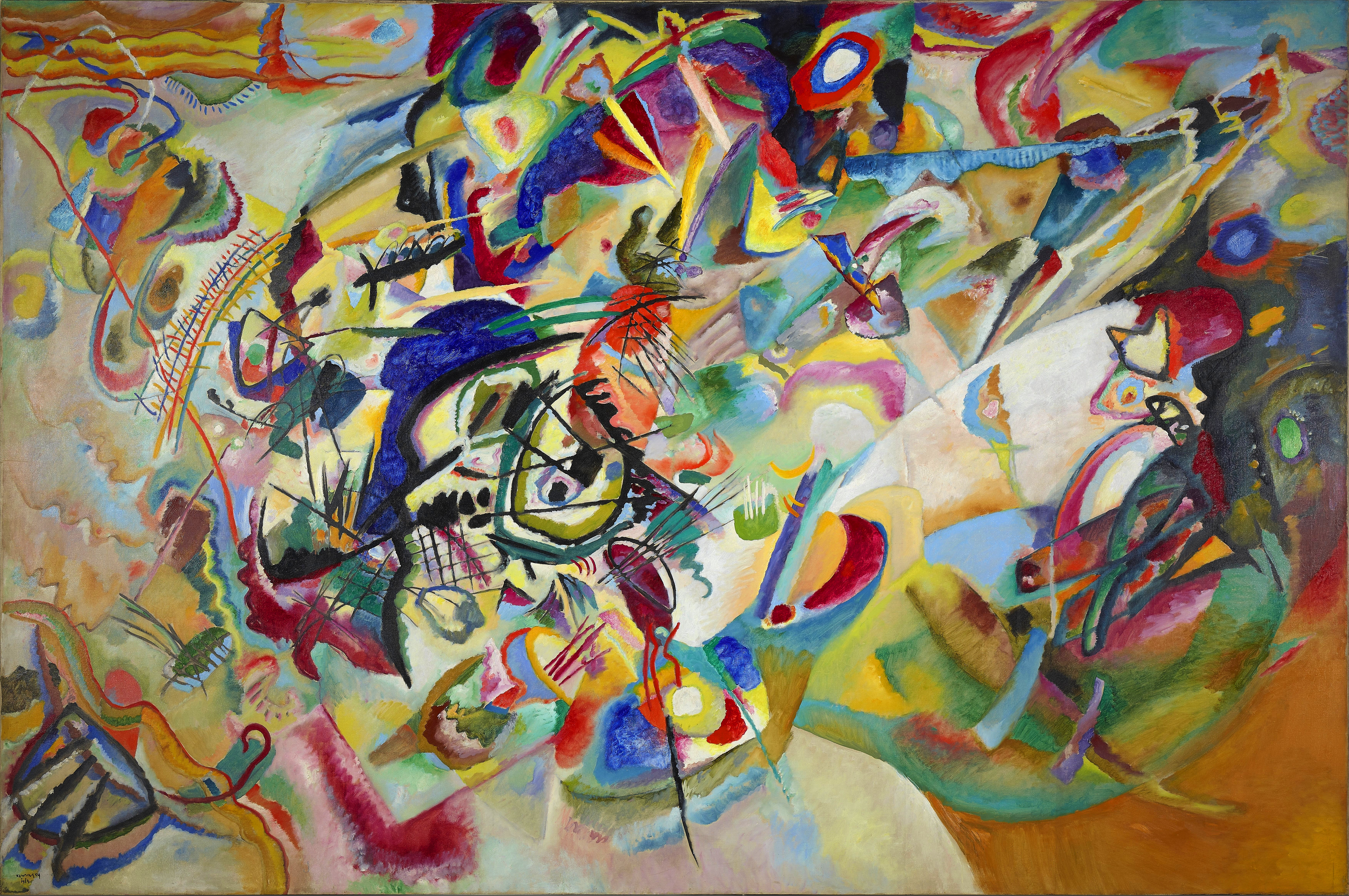
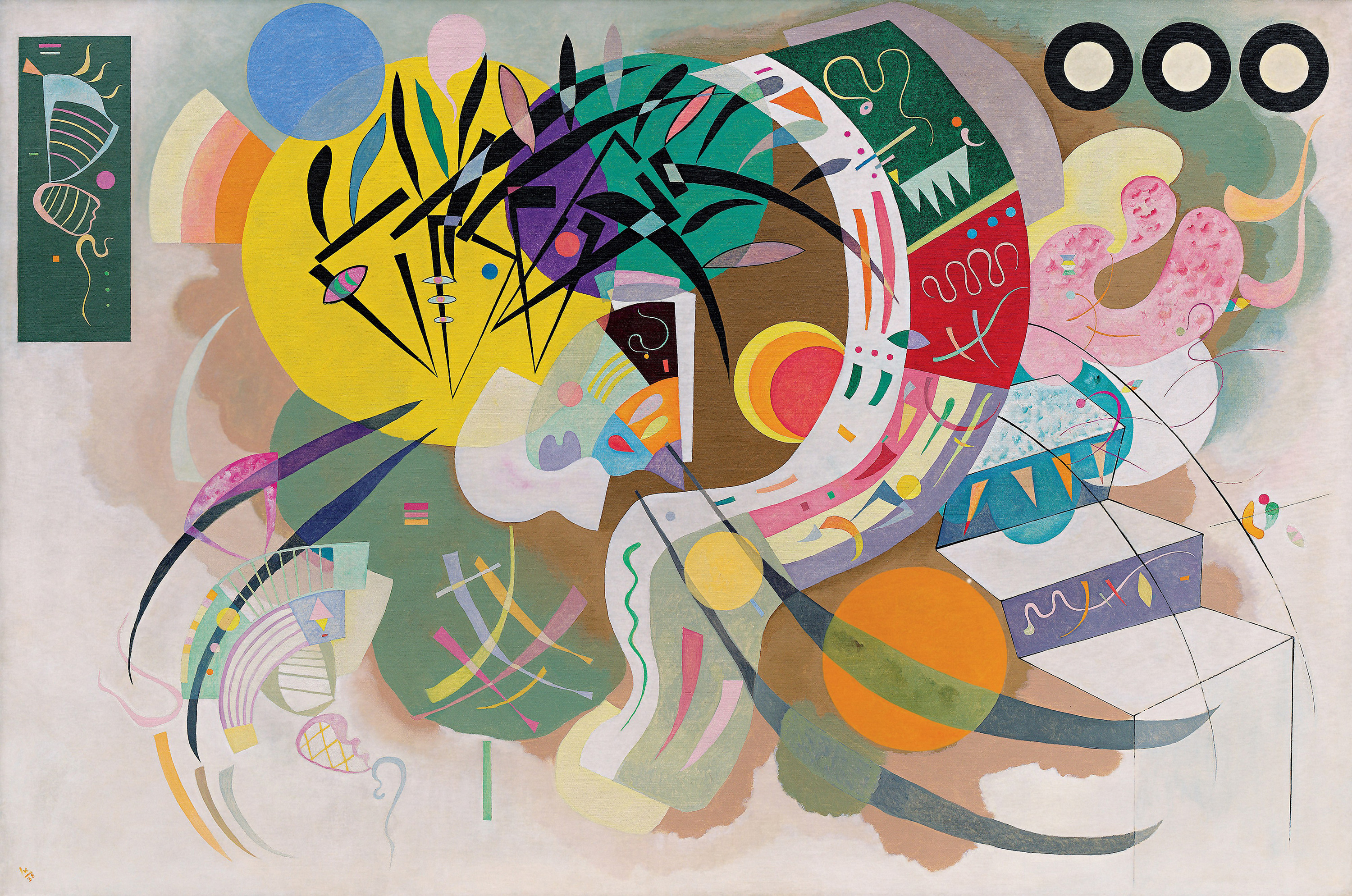
The gallery below assumes you place the example assets in the same folder as this HTML page. You can rename or remove any of these blocks to match your actual hosted files.


Resources
Package links
Documentation notes
- The public package name is
principal-colors. - The import name is
principal_colors. - The prose on this page intentionally uses British spelling: colour.
Contact
For bug reports, suggestions, or improvements, please use the project repository issue tracker or contact Niall Miller.